5 reports every small business should have (and how to build them)
You don't need fifty dashboards. Most small businesses run well on five reports, checked weekly. Here's what each should show, and the plain-English prompt to build it in AI Insights 365 from the spreadsheets or systems you already use.
1. Sales report
Answers: Are we growing? What sells, and where?
Show: revenue this month vs. last, revenue by month (12 months), top 10 products, sales by region or channel.
"Monthly revenue for the last 12 months, this month vs last month, top 10 products and sales by region."
Add an alert: email me if weekly revenue falls by 20%.
2. Cash report
Answers: Can we pay the bills next month?
Show: cash in vs. cash out by month, outstanding invoices by age (0–30, 31–60, 60+ days), biggest unpaid customers.
"Cash in and cash out by month, unpaid invoices grouped by days overdue, and the 10 largest unpaid balances."
Add an alert: cash balance falls below your safety floor.
3. Customer report
Answers: Who are our best customers, and are we keeping them?
Show: new vs. returning customers, top customers by revenue, average order value, customers who haven't ordered in 90 days.
"New vs returning customers by month, top 20 customers by revenue, average order value, and customers with no order in 90 days."
4. Inventory report
Answers: What do we need to reorder, and what's sitting still?
Show: stock on hand vs. reorder level, slow movers (no sales in 60 days), stock value by category.
"Products below reorder level, products with no sales in 60 days, and stock value by category."
Add an alert: stock value falls below your reorder level.
5. Marketing report
Answers: Which channels bring customers we can afford?
Show: leads and sales by channel, cost per customer by channel, conversion rate by month.
"Leads and sales by channel, cost per new customer by channel, and conversion rate by month."
Make them a habit
- Share one link with your partner or accountant: no accounts needed.
- Email the sales report every Monday to the team.
- Take a snapshot at month-end so you can always see what you closed on.
- Give each manager only their rows if you have regions or branches.
Where does the data come from?
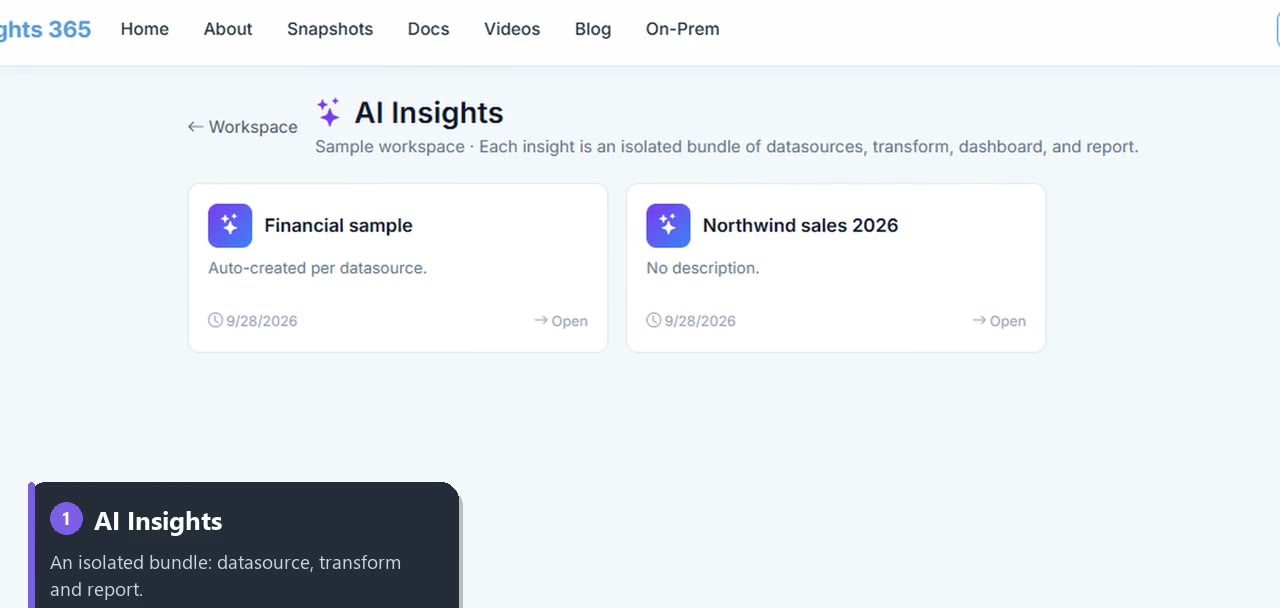
Start with a spreadsheet: upload Excel or CSV. When you're ready, connect the source directly: SQL Server, PostgreSQL, MySQL, Google Sheets, Salesforce, Stripe and more. Each analysis lives in its own AI Insight, so the sales report never gets tangled with the stock report.
Build the first one free
Pick the report you need most, paste its prompt, and see it built. Your first report is free, with no credit card.