Share a report with a link
The fastest way to get a report in front of someone is a link. Publish the report, copy its link, and send it: your reader opens it in any browser, without an account and without signing in.
Watch the 42-second walkthrough: Publish and share a link.
Draft or published
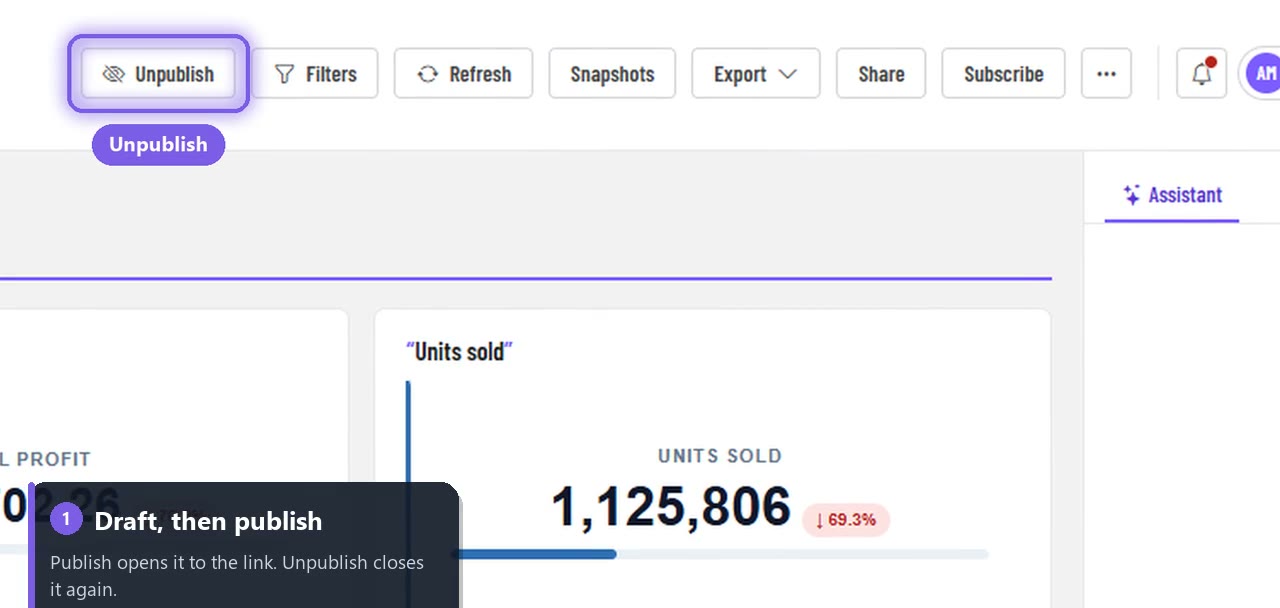
Every new report starts as a Draft. A draft is visible only to people in its workspace, with their own role. Publishing opens it to anyone who has its link.
| Report status | Who can open the share link |
|---|---|
| Draft | Only people who sign in and have access to the workspace |
| Published | Anyone with the link, read-only, no sign-in |
Share a report
Open the report and choose Publish in the toolbar. The button changes to Unpublish, so you can always see the report's state.
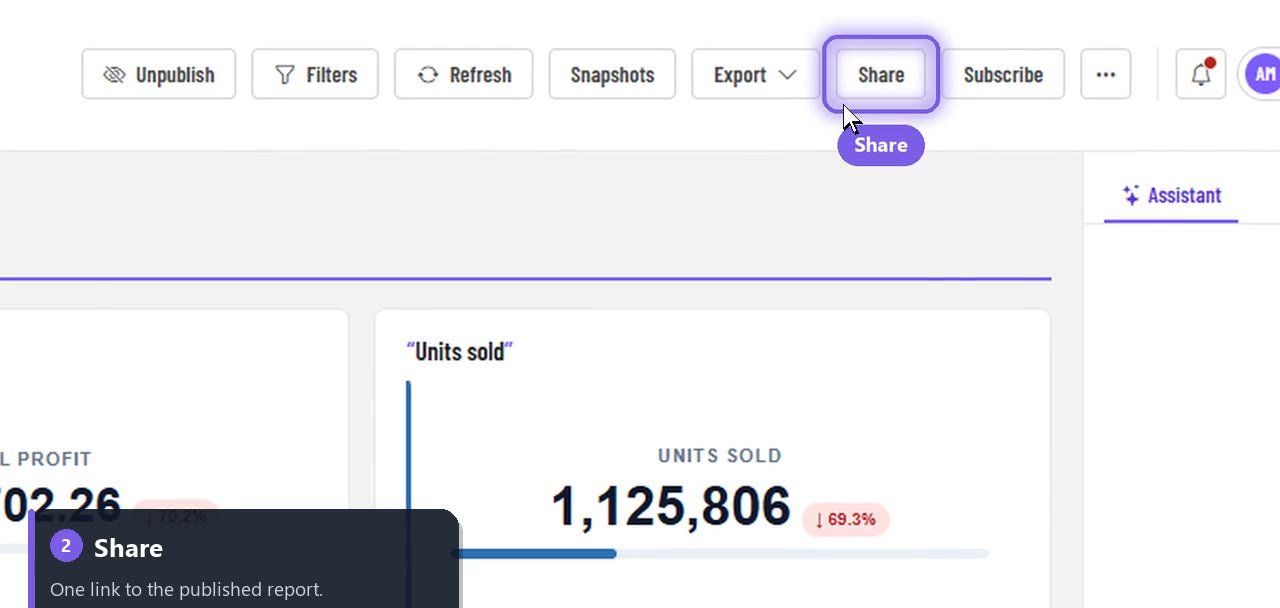
Choose Share.
The first time, choose Create link. You get the report's public link.
Choose Copy link and paste it into an email, a chat or a document. Choose Open to see exactly what your reader will see.
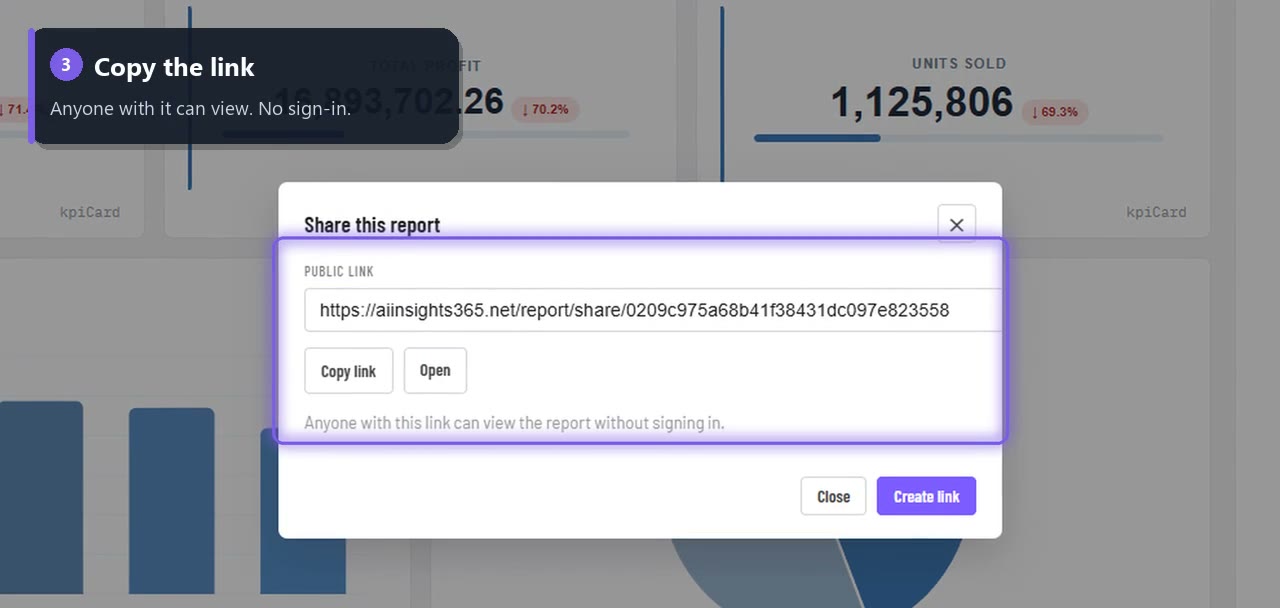
If the report is still a draft, the dialog tells you: the link will ask for a sign-in until you publish.
What your reader gets
- The report, read-only, with live numbers.
- No account, no install, no licence needed to view.
- Colleagues who do have an account can open the same report inside the app, where their own permissions and row-level security apply.
Stop sharing
Choose Unpublish. The public link stops working straight away for anyone who isn't signed in.
Link, embed or email?
| You want to… | Use |
|---|---|
| Send a report to a client, a manager or a partner | Share link (this page) |
| Show a report inside your own website or portal | Embed in an iframe |
| Deliver the report to inboxes every day, week or month | Scheduled subscriptions |
| Be told only when a number changes | Data alerts |
FAQ
Is the link safe to send? It is a long, random link that can't be guessed. Treat it like any private link: anyone you forward it to can open the report while it is published.
Can readers change the report? No. A shared link is read-only.
Will the numbers update? Yes. The link shows the report's live data every time it is opened.