Data alerts: get an email when a number changes
Stop opening a report every morning just to check one number. A data alert watches a chart for you and emails you when its total crosses a line you set, or moves by more than a percentage.
Watch the 74-second walkthrough: Data alerts.
What you can watch
Any chart with a single value field: a KPI card ("Total sales"), a bar, line or pie chart. The alert watches the chart's total: its value field over all rows, added up the way the chart adds it up (sum, average, count, minimum or maximum). Charts that can't be watched are shown as not supported in the list.
| Condition | Emails you when… |
|---|---|
| Goes above | the total goes above your number |
| Falls below | the total goes below your number |
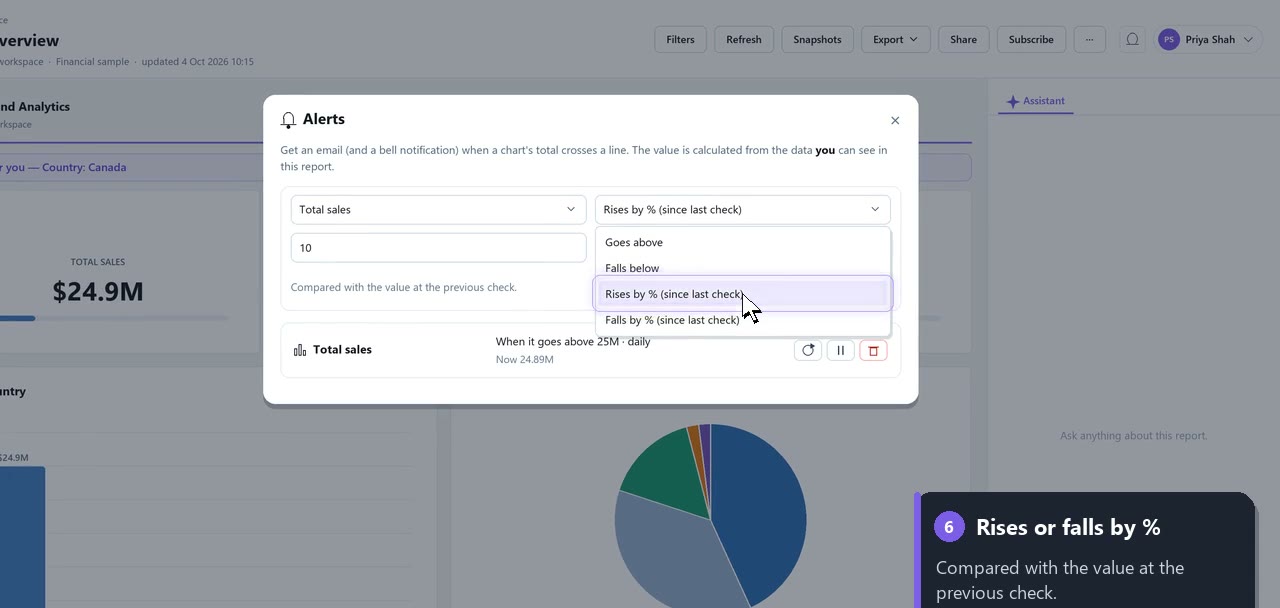
| Rises by % | the total has risen by at least that percentage since the previous check |
| Falls by % | the total has fallen by at least that percentage since the previous check |
Checks run hourly, daily or weekly: you choose. Percentages can be anything above 0, up to 1000.
Set up an alert
- Open the report.
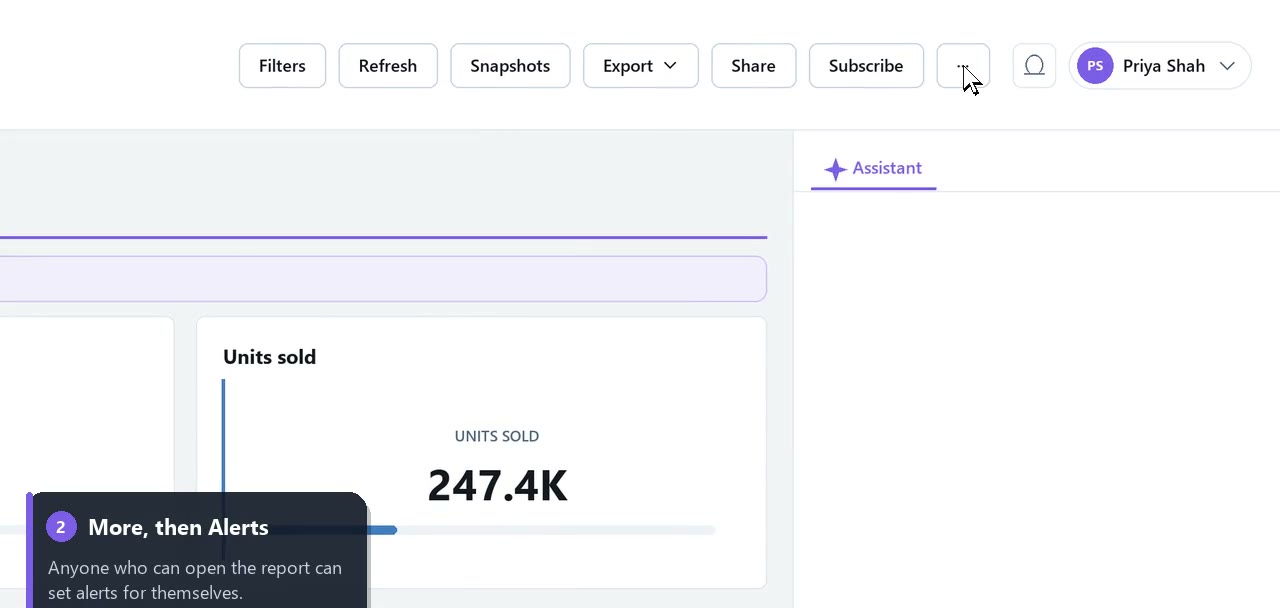
- Choose More → Alerts…
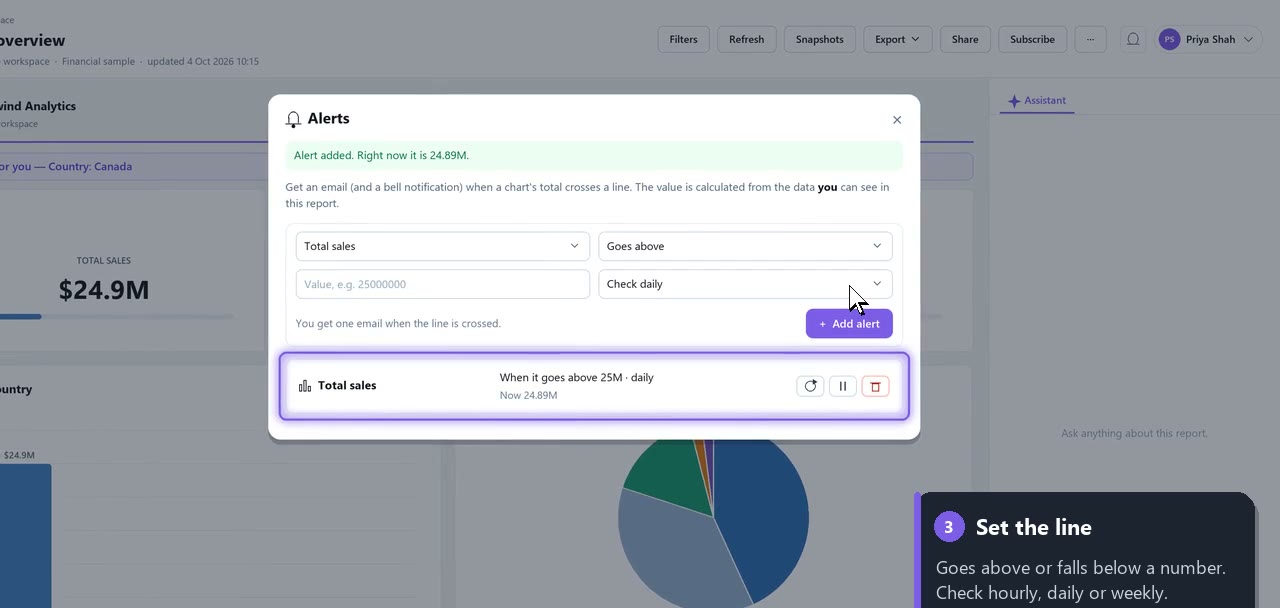
- Pick the chart, the condition and the number (or percentage). Enter the number in full, for example
25000000for 25 million. - Choose how often to check, then Add alert.
You see the chart's current value straight away ("Alert added. Right now it is 24.89M."). If it is already past your line, you won't get an email for that: you'll get one the next time the line is crossed.
What you get
- An email with the chart, the report, its new value, the condition you set and a link to the report.
- A notification under the bell in the app.
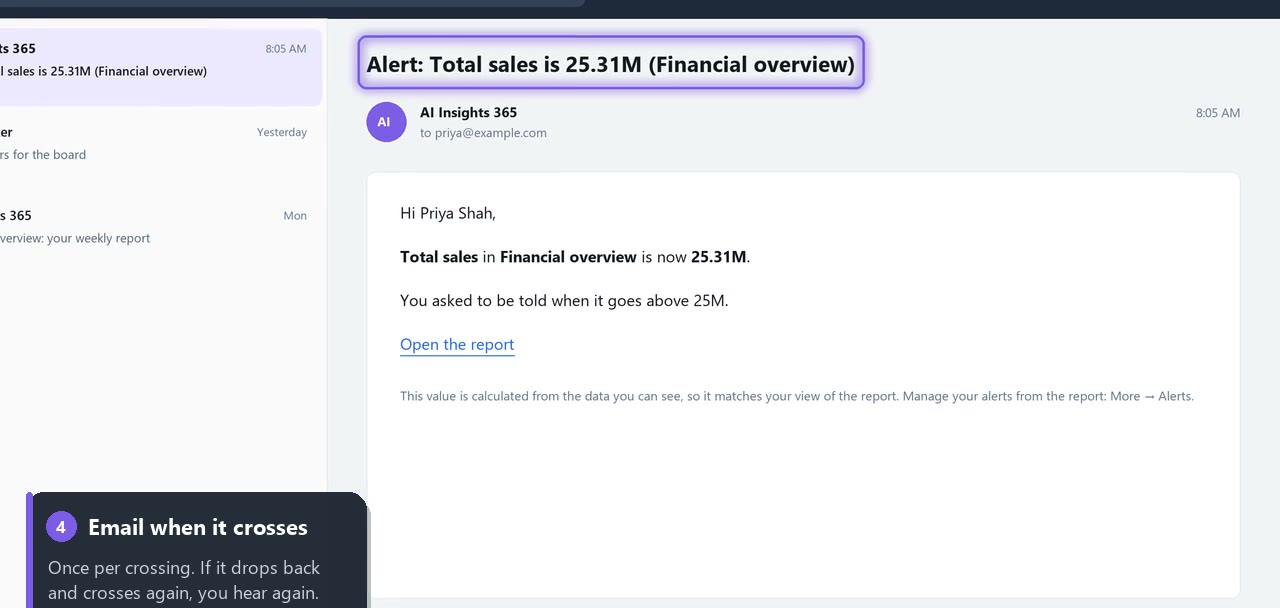
Values are shortened in alerts: 24,887,654 is shown as 24.89M.
"Goes above" and "falls below" alert once when the line is crossed, not on every check while the number stays there. If it drops back and crosses again, you're alerted again. "Rises by %" and "falls by %" alert on every check where the total has moved by at least your percentage.
Your numbers, not everyone's
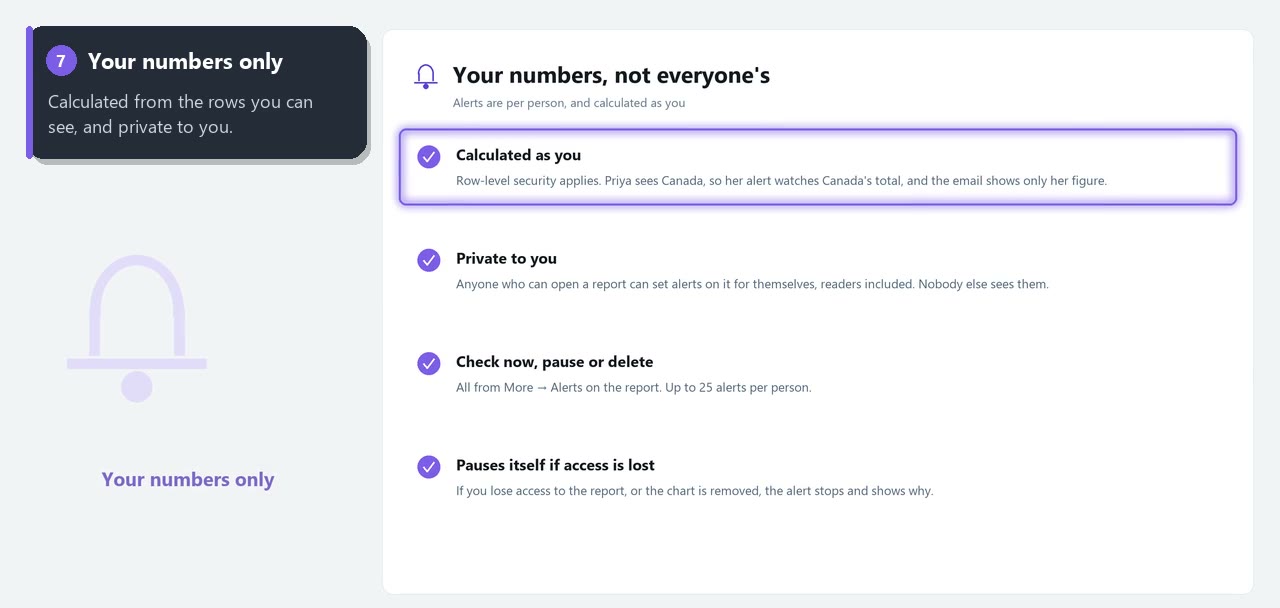
An alert is calculated from the data you can see. If row-level security limits you to Canada, your alert watches Canada's total: a change in another country never triggers it, and the email only shows your figure.
Anyone who can open a report can set alerts on it for themselves, including readers. Your alerts are private: nobody else sees or changes them.
Manage your alerts
In More → Alerts… on the report you can:
- Check now: run the check immediately (it emails you if the alert fires)
- Pause or resume an alert
- Delete an alert
Each alert shows the latest value and when it last alerted you. If you lose access to the report, the report is deleted or the chart is removed from it, the alert pauses itself and shows why in this list.
Limits
- Up to 25 alerts per person.
- Charts built from a custom query, and data reached through the on-premises gateway, can't be watched yet.
- An alert watches the chart's overall total, not a single bar, and report filters don't apply to it.
FAQ
Will I be spammed if sales stay high? No. "Goes above" emails you when the total crosses the line, then waits until it drops back and crosses again.
What does "since the previous check" mean? For a daily percentage alert, today's total is compared with yesterday's check.
Do alerts use AI tokens? No. They read the chart's number directly.